Features
pgxcli is an interactive PostgreSQL REPL built in Go. This page highlights the core features that make it fast, readable, and comfortable to use.
Syntax Highlighting
pgxcli applies real-time syntax highlighting to your SQL as you type, using Chroma — the same engine that powers many static site generators and code tools.
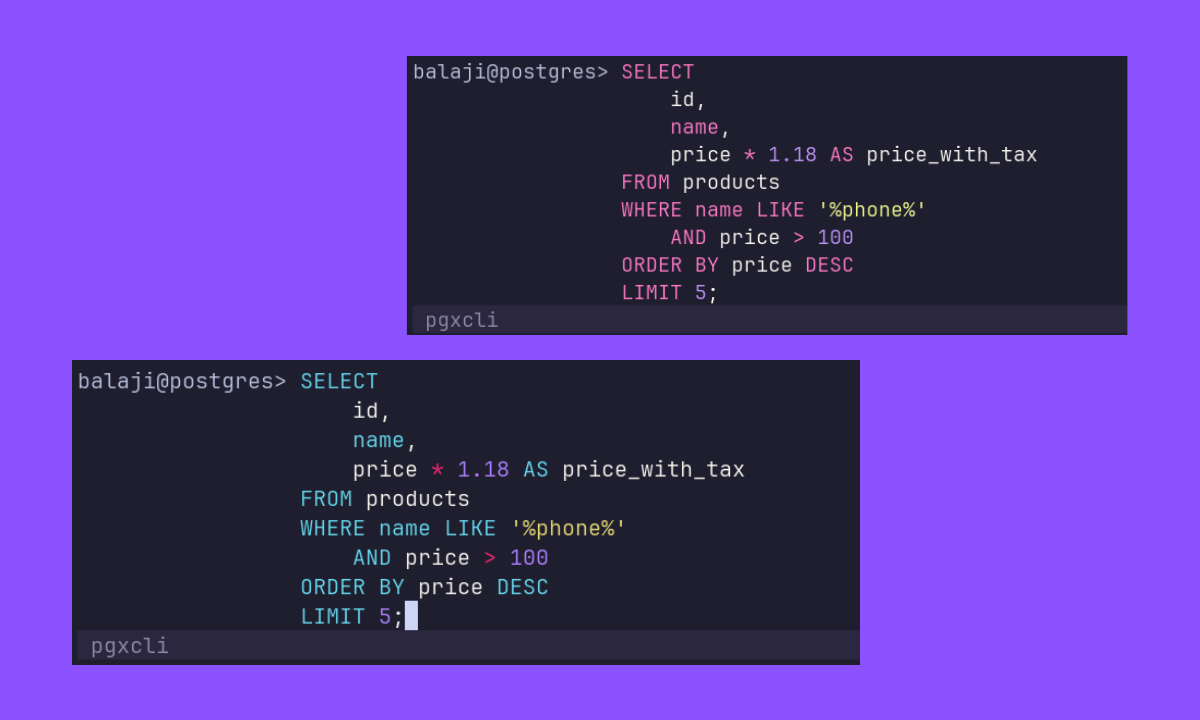
Colors are applied to keywords, identifiers, string literals, operators, and comments, so long queries remain easy to read at a glance.
pgxcli automatically detects your terminal's color depth — TrueColor, 256-color, or 16-color — and picks the right formatter for your environment.
Autocompletion
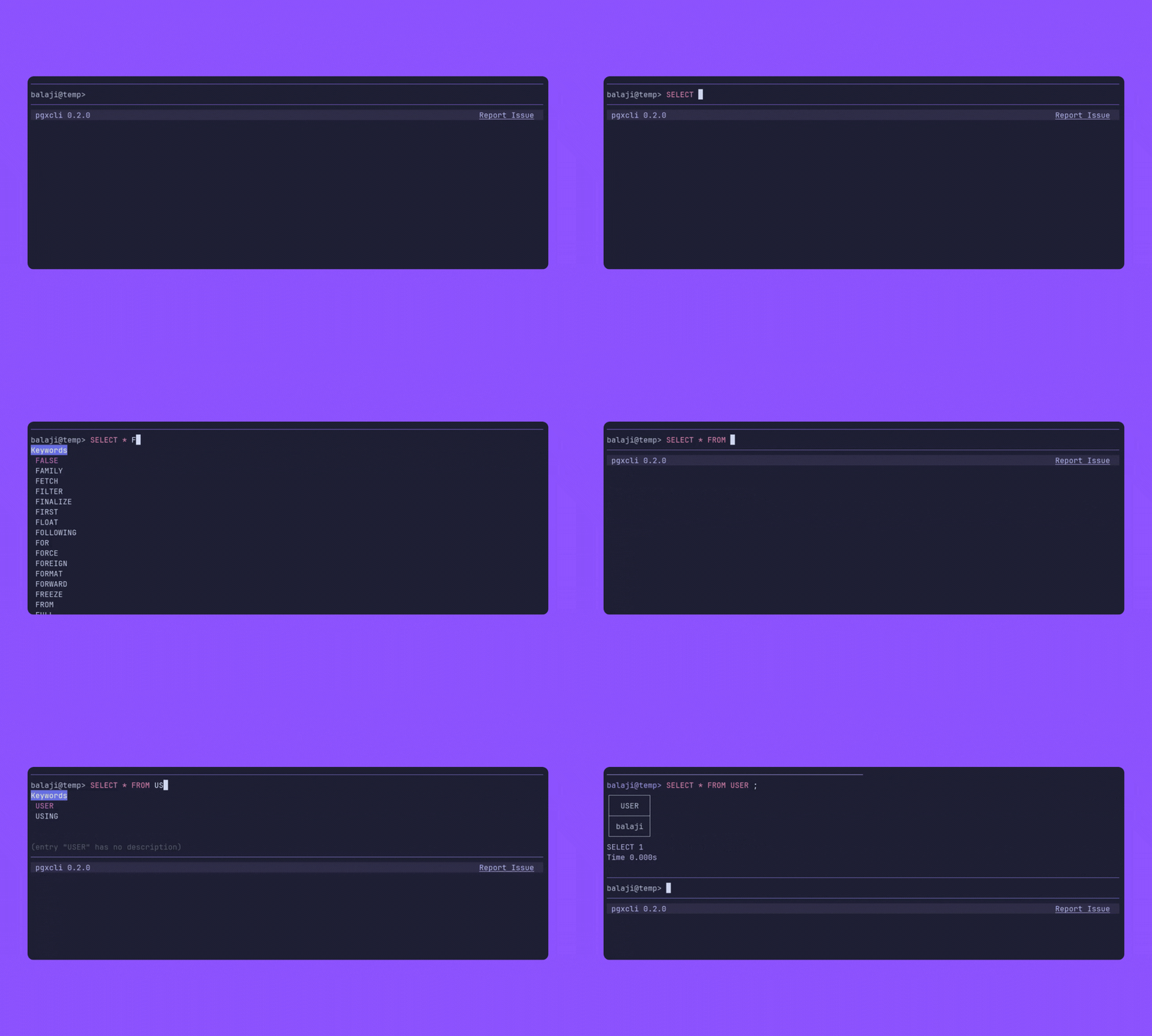
pgxcli provides context-aware autocompletion for SQL queries. It automatically suggests SQL keywords, table names, and column names based on your current input. It also supports autocompletion for meta commands. Press Tab to cycle through suggestions.
External Editor Support
For complex queries, you can launch your favorite text editor directly from the REPL.
Press Ctrl+E to open the current query in the editor defined by your $EDITOR environment variable (e.g., vim, nano, code). When you save and exit the editor, the query is automatically brought back to the prompt, ready for execution.
Interactive UI Elements
pgxcli provides a modern and responsive user interface, including:
- Loading Spinner: A visual spinner indicator that displays during query execution, letting you know your query is running.
- Orca Banner: A colorful ASCII orca banner with gradient styling on startup.
- Issue Reporting: A clickable link in the status bar to easily report issues on GitHub.
- Text Clamping: Long query inputs are elegantly clamped to prevent rendering issues in your terminal.
- Clear Input: Press
ESCtwice to quickly clear your current input. - Quick Exit: Press
Ctrl+Ctwice to safely exit the application.
